 YTVidHub
Download YouTube subtitles
Extract creator-uploaded or auto-generated subtitles from YouTube videos for editing, translation, accessibility, and research.
Playlist (Bulk) and Channel (Bulk) import multiple videos at once.
Quick Guide
Paste a YouTube video, playlist, or channel link, choose an available language, and export subtitles as SRT, VTT, or TXT. Use SRT for editing, VTT for web players, and TXT when you need clean readable transcript text.
Choose the workflow that matches what you need to do with YouTube subtitles.
Extract creator-uploaded or auto-generated subtitles from YouTube videos for editing, translation, accessibility, and research.
Save CC tracks and caption text when you need readable, time-aligned files for review or publishing.
Paste a video, playlist, or channel URL and move from manual copy-paste to structured subtitle export.
Choose the file type that fits your workflow: editors, web players, clean notes, or AI-ready text.
Video editors, VLC, subtitle uploads, translation workflows, and broad player compatibility. Learn SRT format.
HTML5 video, course platforms, browser playback, and WebVTT caption workflows. Download VTT captions.
Readable transcript text for notes, content repurposing, search, research, and AI prompts. Generate transcripts.
Best when you need timed SRT/VTT files from a single YouTube video. Open subtitle downloader.
Best when you need CC tracks, closed captions, and accessibility review. Open caption downloader.
Best when you need subtitles from playlists, channels, or many videos in one package. Open bulk downloader.
Use the homepage for the main workflow, then choose the focused page that matches your exact subtitle task.
A direct online workflow for single-video subtitle exports.
Open toolA focused SRT/VTT/TXT tool page for single video downloads.
Open toolA caption and CC-focused page for accessibility and editing.
Open toolA playlist and channel workflow for large subtitle collections.
Open toolA WebVTT-focused page for HTML5 video and web players.
Open toolNo need to copy URLs. One click, instant download.
Lightning Fast
Download in 3 seconds, no page refresh needed
One-Click Download
Click extension icon → Choose format → Done
100% Free Forever
No limits, no registration, no hidden fees
Join 10,000+ Users
Chrome Web Store
✓ No credit card required ✓ Install in 5 seconds
Drag the slider to see the difference. Transform hours of tedious manual work into a single, organized file.
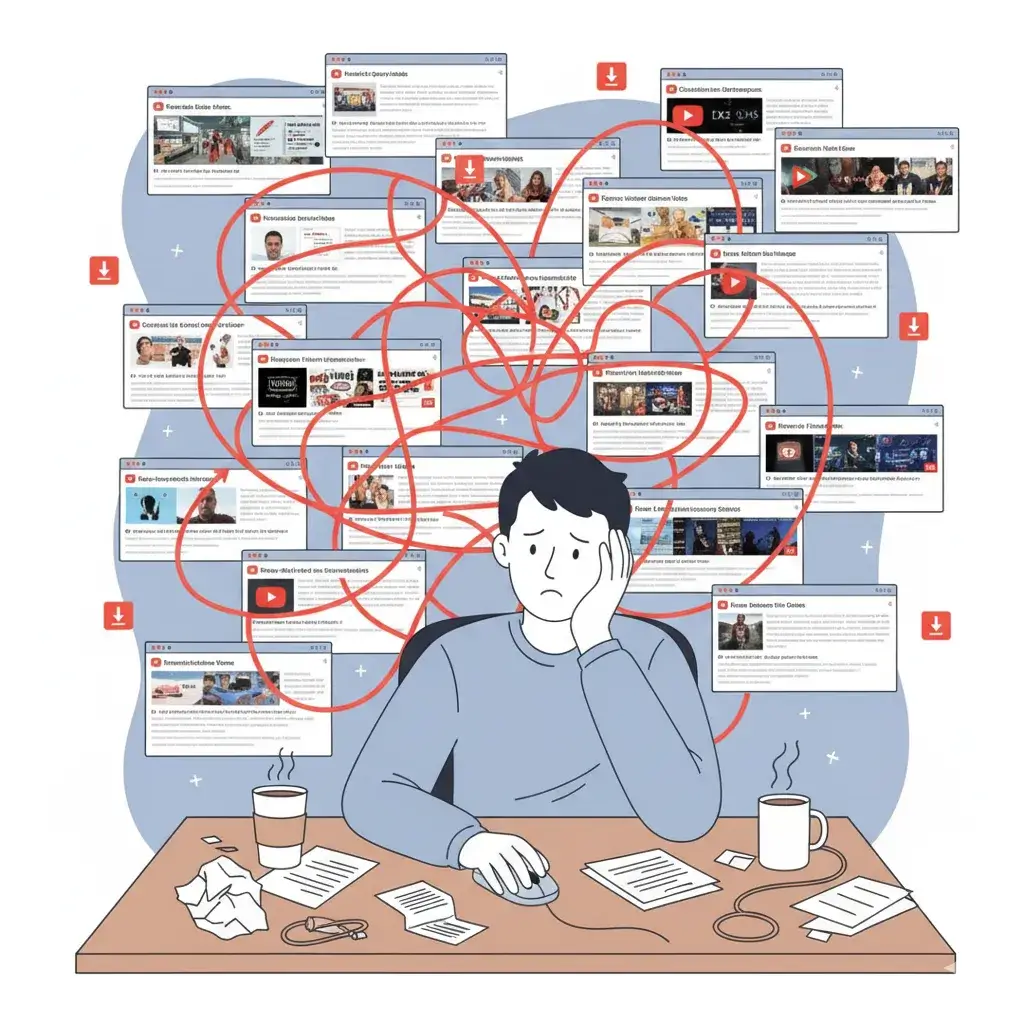

We're not just a downloader; we're a data-prep powerhouse. Get pristine, model-ready text without the hassle.
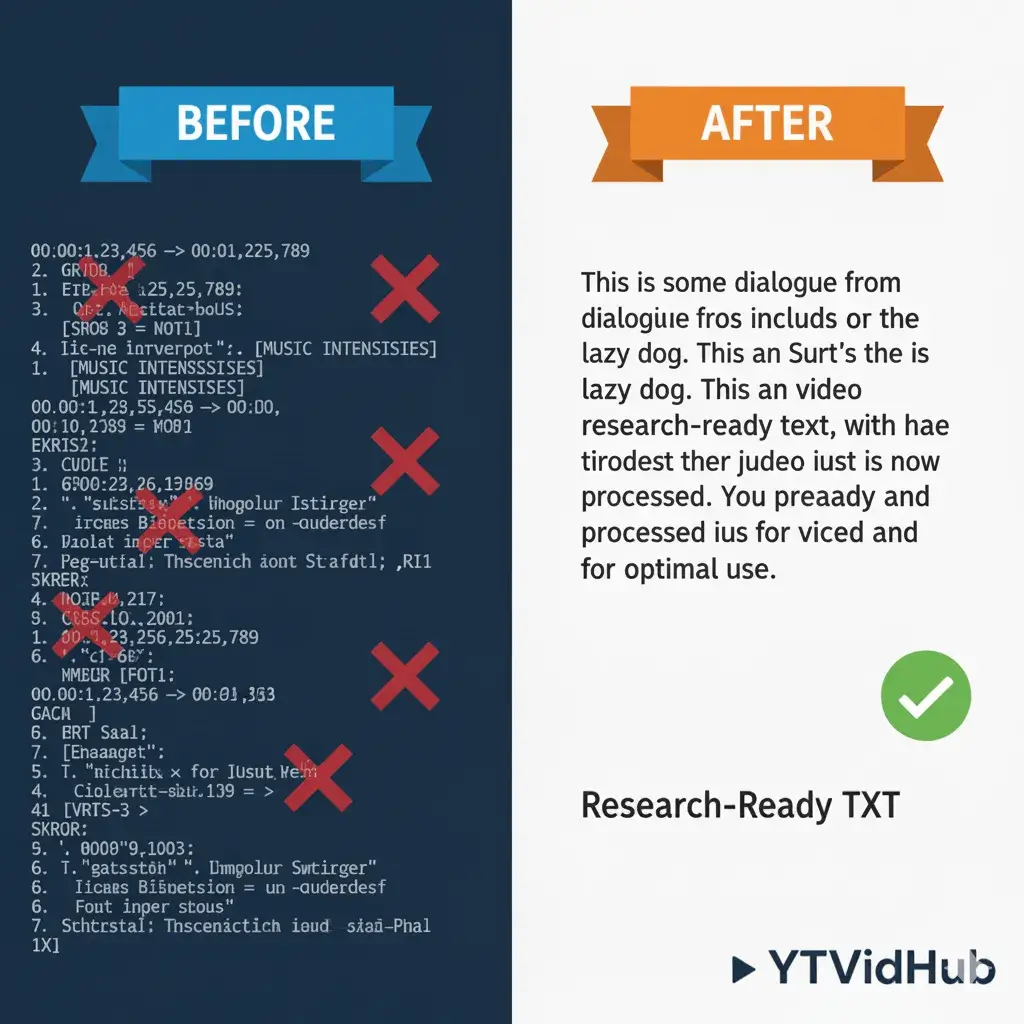
Receive data stripped of timestamps and formatting noise, instantly ready for model ingestion.
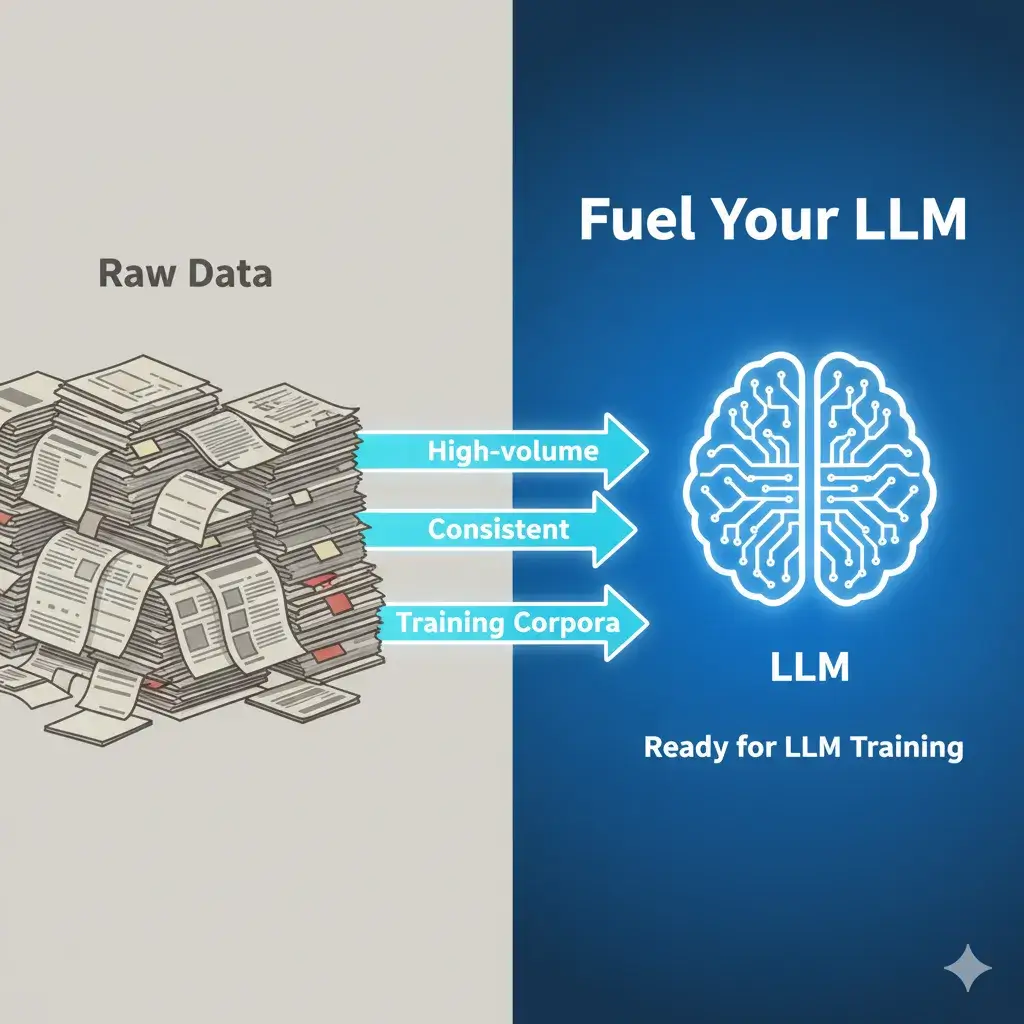
Specifically designed for researchers who need high-volume, consistent training corpora.
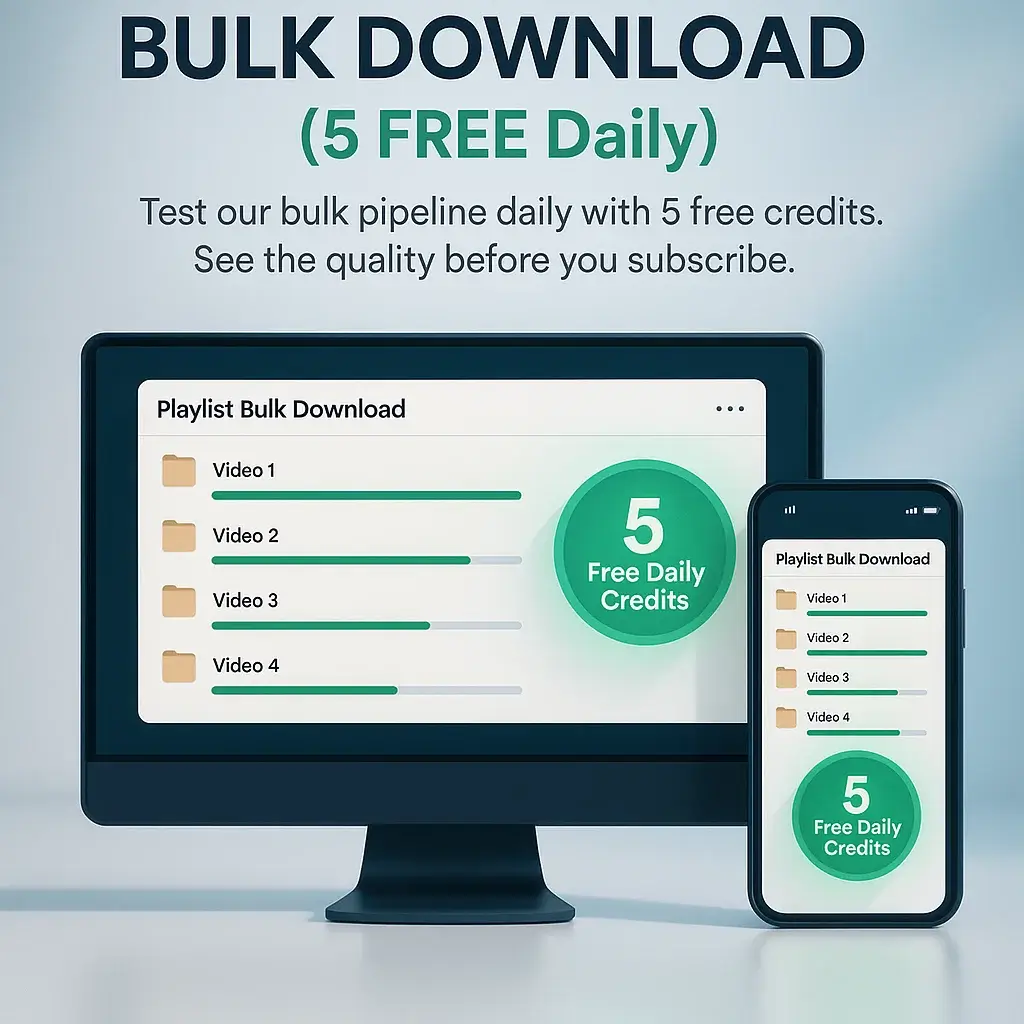
Test our bulk pipeline daily with 5 free credits. See the quality before you subscribe.
Want to dive deep into the data science behind transcript cleaning?
Read The Data Prep GuideFrom raw link to clean data in seconds. No complex setup required.
Paste YouTube video/playlist URLs, or upload a .txt file for bulk processing.
Our engine extracts subtitles and generates summaries or mind maps instantly.
Download as SRT/VTT/TXT, or copy the AI summary directly to your notes.
From AI researchers to content creators, see why thousands choose YTVidHub for their subtitle extraction needs.
“Perfect for creating training datasets. Downloaded 10,000+ YouTube subtitles for our language model research. The bulk processing saved us weeks of work.”
“The best **YouTube subtitle downloader** I've used for Premiere Pro editing. The SRT files work perfectly with my timeline. Clean formatting and accurate timestamps every time.”
“Essential **caption downloader** for making content accessible. The VTT format works seamlessly with our web players. Reliable and fast processing.”
“Saves hours of manual transcription work. The AI summary feature is incredibly useful for creating video descriptions and blog posts.”
Discover a suite of features designed to handle any task, from a single video to an entire content library.
Whether it's an entire YouTube playlist or a text file with hundreds of links, just paste it in. Our tool intelligently parses, processes, and prepares everything for you, turning hours of manual work into seconds of waiting.
Need timed captions for video editing? Choose SRT. Building an accessible web player? VTT is ready. Just need a transcript for analysis? Export as plain TXT. The choice is yours, for every single file.