Developer Documentation

Ditch the API. Get Subtitles Directly.

API quotas and complexity are major hurdles for data projects. Discover a professional, no-API alternative to get structured JSON or clean TXT data instantly.

The YouTube API Bottleneck

The official YouTube Data API v3 is powerful but introduces significant friction for subtitle-focused projects. Here are the three biggest pain points developers face.

High Quota Costs

Every captions.download call costs 200 quota units. With a daily limit of 10,000 units, you can only fetch ~50 subtitle files per day before hitting the wall.

Complex OAuth Setup

Downloading captions requires OAuth 2.0 user authorization—not just an API key. This adds significant development overhead for a simple text extraction task.

Aggressive Rate Limiting

Burst requests trigger 403 errors and temporary bans. Bulk extraction of 1,000+ videos becomes a multi-day, error-prone process.
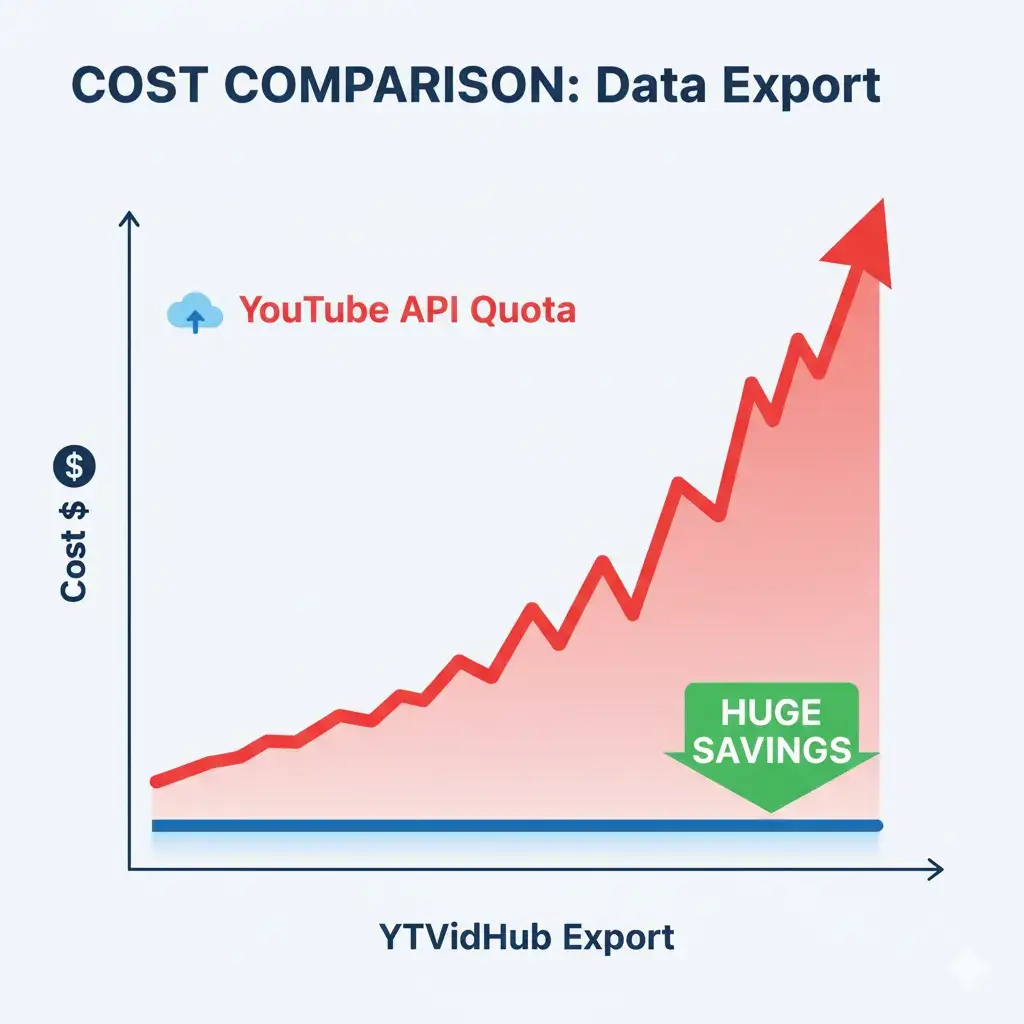
YouTube API quota costs vs direct export

The No-API Alternative

Skip the API entirely. Our tool extracts subtitle data directly and delivers it in developer-ready formats—no keys, no OAuth, no quota limits.

Structured JSON Output

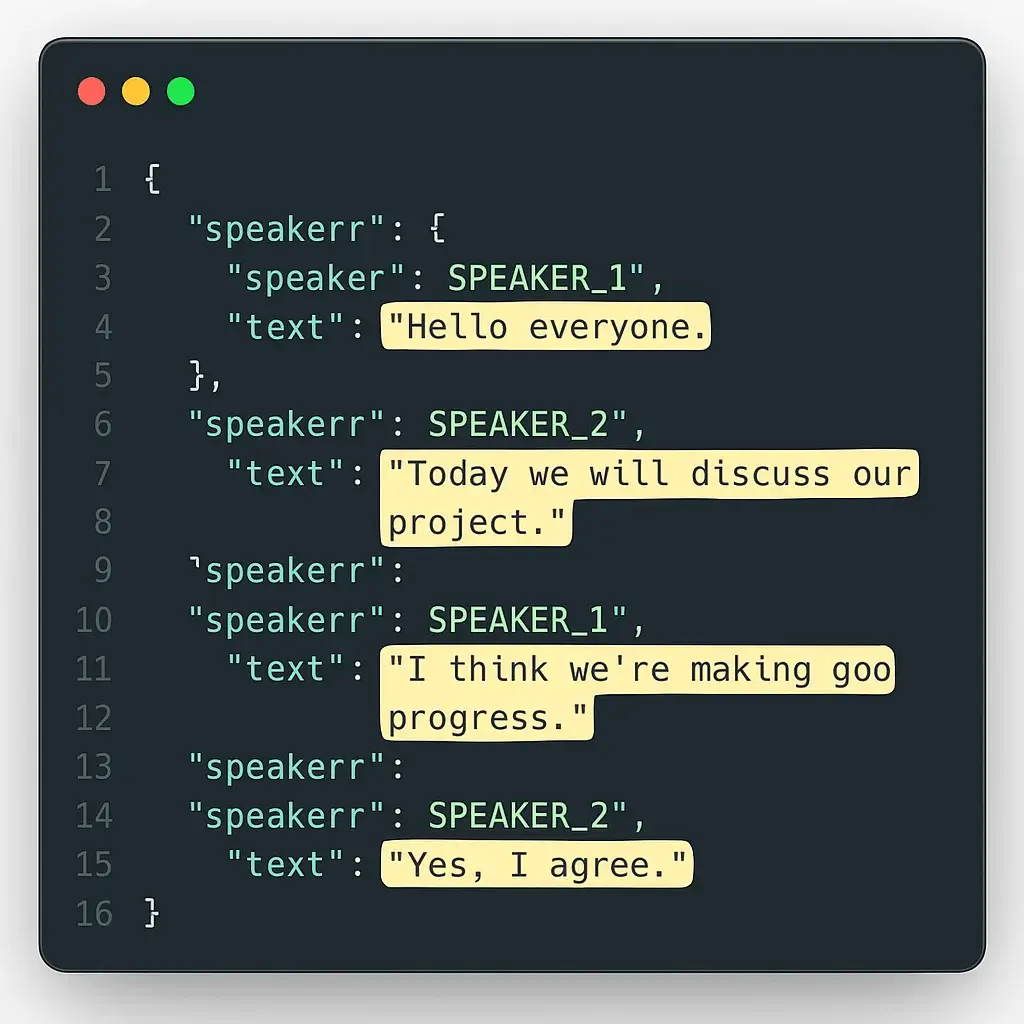
Get subtitle data as clean JSON with segment IDs, timestamps, and text fields—ready for direct injection into vector databases or LLM prompt chains.

Built for Bulk Ingestion

Paste a playlist or channel URL and extract subtitles from hundreds of videos in a single operation. No rate limits, no 403 errors.

Guaranteed Clean Data

Every export runs through our normalization pipeline: BOM stripping, ASR noise removal, and timestamp standardization included by default.

What Your Data Looks Like

Every export delivers structured, machine-readable data. No parsing scripts required—just clean JSON ready for your pipeline.

Clean JSON data structure for LLM ingestion

Developer Tip: Use our JSON export with segment-level timestamps to build searchable video indexes, RAG knowledge bases, or fine-tuning datasets without any intermediate processing.

Developer Q&A

How does this avoid YouTube API rate limits?

Our tool doesn't use the YouTube Data API v3 at all. It extracts subtitle data directly, so there are no quota units consumed, no OAuth required, and no 403 rate-limit errors.

Can I extract subtitles in multiple languages?

Yes. If a video has subtitles available in multiple languages, you can select your preferred language or download all available tracks in a single batch operation.

Is this compliant with YouTube's Terms of Service?

Our tool accesses publicly available subtitle data that YouTube makes accessible for video playback. We do not bypass any DRM or access restricted content.

Stop Fighting the API

Get structured subtitle data in seconds. No API key, no OAuth, no quota limits.

Start Free Extraction

No credit card required · JSON, SRT, TXT exports · Bulk playlist support