Power User Guide

Download Every Playlist
Subtitle in One Click

Stop wasting hours on manual downloads. Here’s the definitive method to get every subtitle from any playlist as a single, clean ZIP file.

The Data Collector's
Dilemma

Manually processing a 50-video playlist is a nightmare of inefficiency. It’s slow, tedious, and delivers messy results. There is a better way.

The Old Way is Broken:

  • 150+ Clicks

    Repetitive, mind-numbing navigation for each video in the sequence.

  • Hours Wasted

    Time lost to tedious tasks that should be automated for research focus.

  • Messy Files

    Raw SRTs full of timestamps and junk that require manual post-cleaning.
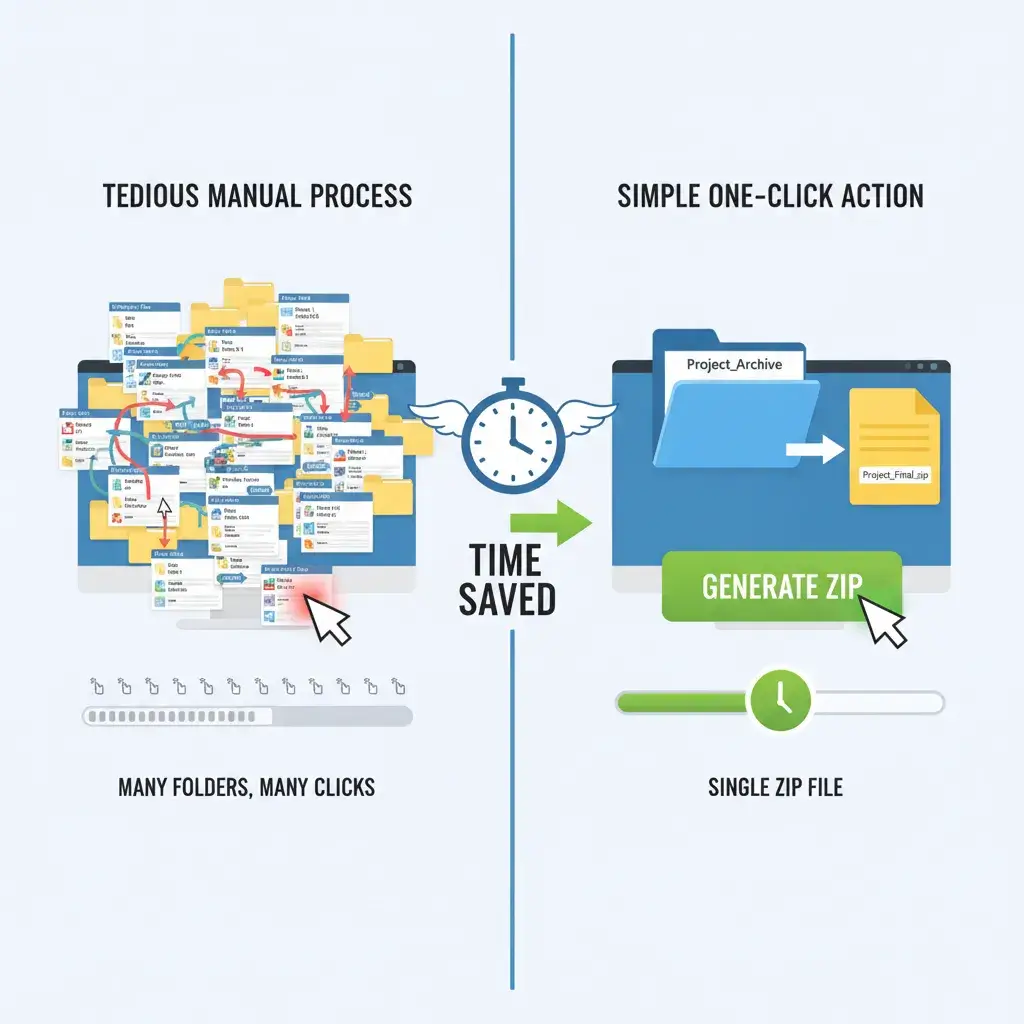
Efficiency Matrix
Manual vs. YTVidHub: Efficiency comparison for bulk downloading all YouTube playlist subtitles in one ZIP file.

The 3-Step Solution

Our Bulk Engine transforms hours of work into seconds. Follow this simple workflow to get all your subtitles instantly.
1

Paste Your Playlist URL

Navigate to the YTVidHub Bulk Downloader and paste the full URL of the YouTube playlist you need. Our engine recursively scans for every video ID.

2

Select Your Desired Format

Choose your output format—we recommend Clean TXT for research or JSON for development. The files are delivered ready-to-use.

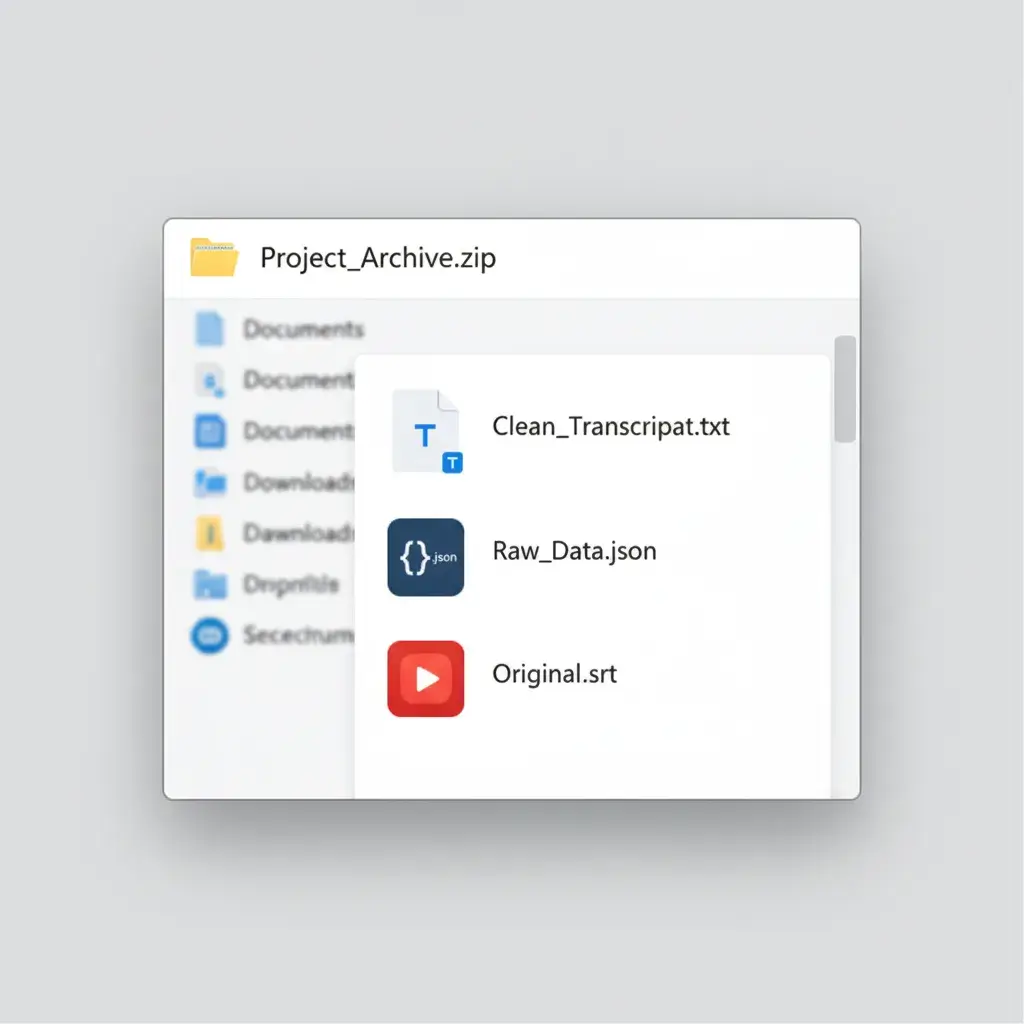
Screenshot of YTVidHub's bulk export: Clean TXT, JSON, and SRT files contained within the single downloaded ZIP archive.

Download Your Single ZIP File

Click 'Download.' YTVidHub processes everything server-side and packages all subtitles into one organized ZIP file. One click, one file, project done.

A Smarter Workflow

Built for Speed

Server-side processing means the entire playlist is handled in seconds, regardless of its size.

Research-Ready Data

Our 'Clean TXT' format strips away all timestamps and metadata, giving you pure text.

No API Headaches

Forget complex code, authentication, and restrictive quotas. Just paste a URL and download.

One Organized File

All subtitles are packaged into a single, logically named ZIP file. No more scattered downloads.

Ready for Pro Data Prep?

Downloading is just the start. Build a robust data pipeline for LLM training or advanced research with our industrial-strength extraction tools.

Read The Data Prep Guide

Technical Q&A

Does YTVidHub handle all languages in a playlist?
Yes. Our bulk downloader detects all available languages (both original and auto-generated) for every video in the playlist, allowing you to select the required language before you download.
Can I download subtitles for a whole YouTube Channel?
Our Bulk Engine is optimized for Playlist URLs. To download all videos from a Channel, simply place the Channel's videos into a temporary playlist on YouTube and use our tool with that URL.