 YTVidHub
Power User Guide
Download Every Playlist Subtitle in One Click
Stop wasting hours on manual downloads. Here's the definitive method to get every subtitle from any playlist as a single, clean ZIP file.
The Data Collector's Dilemma
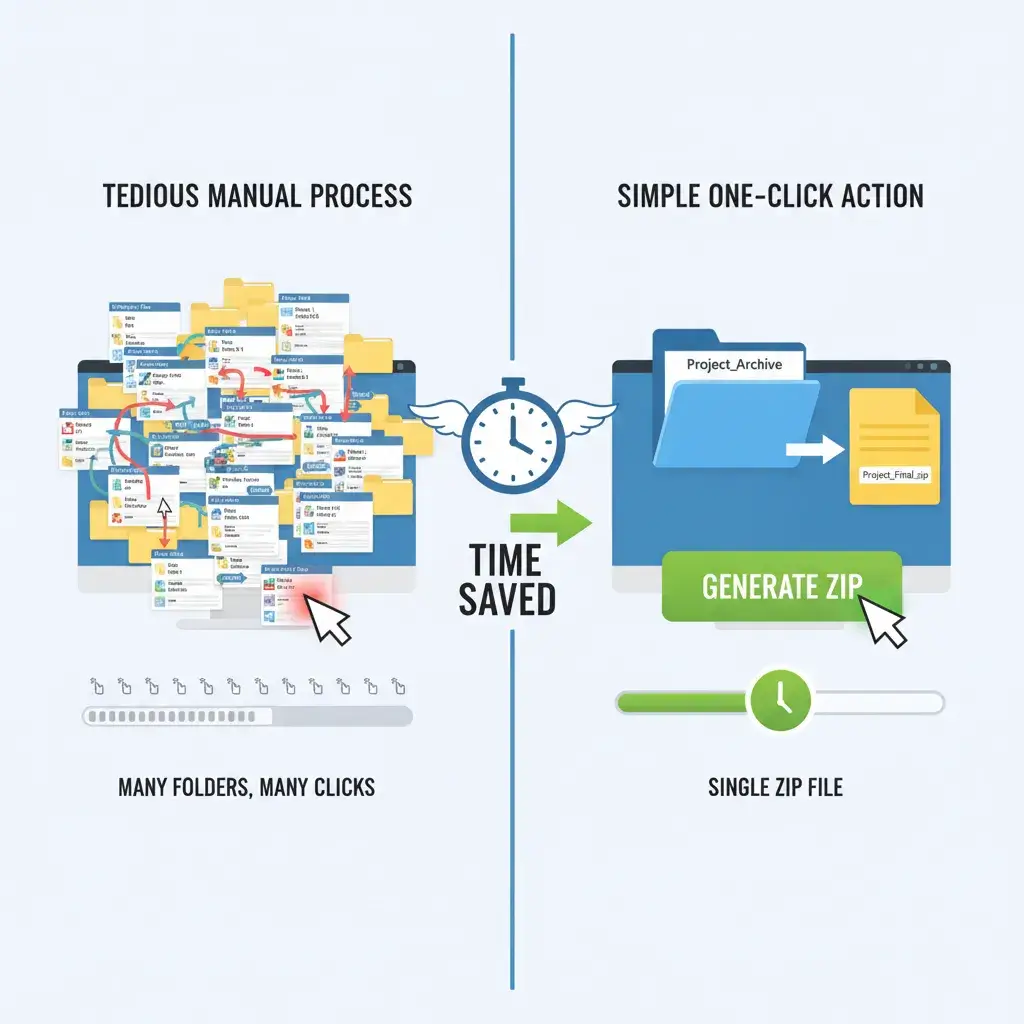
Manually processing a 50-video playlist is a nightmare of inefficiency. It's slow, tedious, and delivers messy results. There is a better way.
150+ Clicks
Repetitive, mind-numbing navigation for each video in the sequence.
Hours Wasted
Time lost to tedious tasks that should be automated for research focus.
Messy Files
Raw SRTs full of timestamps and junk that require manual post-cleaning.
The 3-Step Solution
Our Bulk Engine transforms hours of work into seconds. Follow this simple workflow to get all your subtitles instantly.
- 1
Paste Your Playlist URL
Navigate to the YTVidHub Bulk Downloader and paste the full URL of the YouTube playlist you need. Our engine recursively scans for every video ID.
- 2
Select Your Desired Format
Choose your output format—we recommend Clean TXT for research or JSON for development. The files are delivered ready-to-use.
- 3
Download Your Single ZIP File
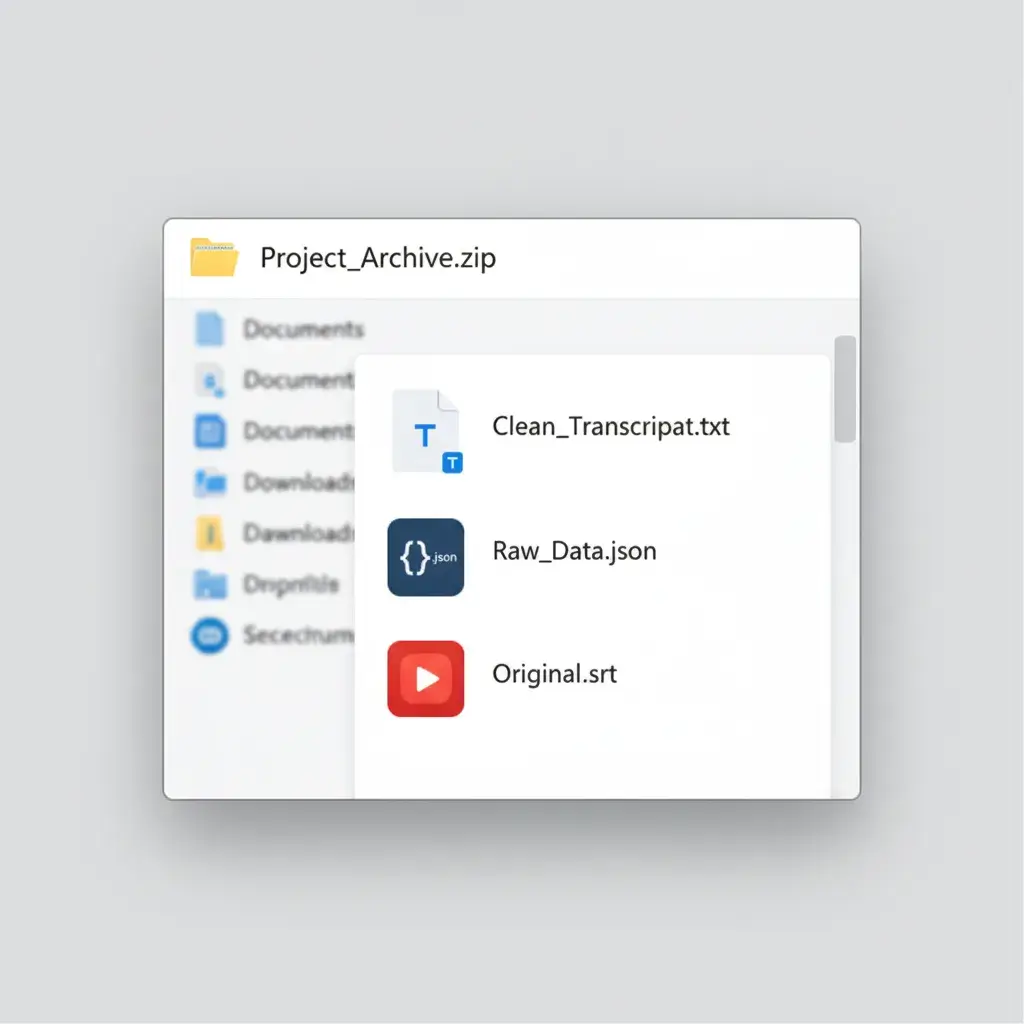
Click 'Download.' YTVidHub processes everything server-side and packages all subtitles into one organized ZIP file. One click, one file, project done.
A Smarter Workflow
Built for Speed
Server-side processing means the entire playlist is handled in seconds, regardless of its size.
Research-Ready Data
Our 'Clean TXT' format strips away all timestamps and metadata, giving you pure text.
No API Headaches
Forget complex code, authentication, and restrictive quotas. Just paste a URL and download.
One Organized File
All subtitles are packaged into a single, logically named ZIP file. No more scattered downloads.
Technical Q&A
Does YTVidHub handle all languages in a playlist?
Can I download subtitles for a whole YouTube Channel?
Ready for Pro Data Prep?
Downloading is just the start. Build a robust data pipeline for LLM training or advanced research with our industrial-strength extraction tools.
Read The Data Prep Guide