 YTVidHub
Download YouTube subtitles
Extract creator-uploaded or auto-generated subtitles from YouTube videos for editing, translation, accessibility, and research.
Playlist (Bulk) and Channel (Bulk) import multiple videos at once.
What you get — example output
YouTube Playlist · 8 videos
youtube.com/playlist?list=PLrAX…
How to Learn Anything Fast — Ali Abdaal
28.6 KB · .srt
The Science of Productivity — Kurzgesagt
34.1 KB · .srt
Build in Public — Lex Fridman Podcast
19.8 KB · .srt
8 SRT files · bulk_subs.zip · 186 KB
Quick Guide
Paste a YouTube video, playlist, or channel link, choose an available language, and export subtitles as SRT, VTT, or TXT. Use SRT for editing, VTT for web players, and TXT when you need clean readable transcript text.
Choose the workflow that matches what you need to do with YouTube subtitles.
Extract creator-uploaded or auto-generated subtitles from YouTube videos for editing, translation, accessibility, and research.
Save CC tracks and caption text when you need readable, time-aligned files for review or publishing.
Paste a video, playlist, or channel URL and move from manual copy-paste to structured subtitle export.
Choose the file type that fits your workflow: editors, web players, clean notes, or AI-ready text.
Video editors, VLC, subtitle uploads, translation workflows, and broad player compatibility. Learn SRT format.
HTML5 video, course platforms, browser playback, and WebVTT caption workflows. Download VTT captions.
Readable transcript text for notes, content repurposing, search, research, and AI prompts. Generate transcripts.
Best when you need timed SRT/VTT files from a single YouTube video. Open subtitle downloader.
Best when you need CC tracks, closed captions, and accessibility review. Open caption downloader.
Best when you need subtitles from playlists, channels, or many videos in one package. Open bulk downloader.
Use the homepage for the main workflow, then choose the focused page that matches your exact subtitle task.
A direct online workflow for single-video subtitle exports.
Open toolA focused SRT/VTT/TXT tool page for single video downloads.
Open toolA caption and CC-focused page for accessibility and editing.
Open toolA playlist and channel workflow for large subtitle collections.
Open toolA WebVTT-focused page for HTML5 video and web players.
Open toolComplete guide to the WebVTT subtitle format — syntax, use cases, and free download.
Open toolDownload YouTube transcripts as TXT, SRT, or VTT — single videos, playlists, and channels.
Open toolURLをコピーする必要はありません。ワンクリックで即座にダウンロード。
超高速
3秒でダウンロード、ページの更新不要
ワンクリックダウンロード
拡張機能アイコンをクリック → フォーマットを選択 → 完了
永久100%無料
制限なし、登録不要、隠れた料金なし
10,000人以上のユーザーが利用中
Chrome Web Store
✓ クレジットカード不要 ✓ 5秒でインストール
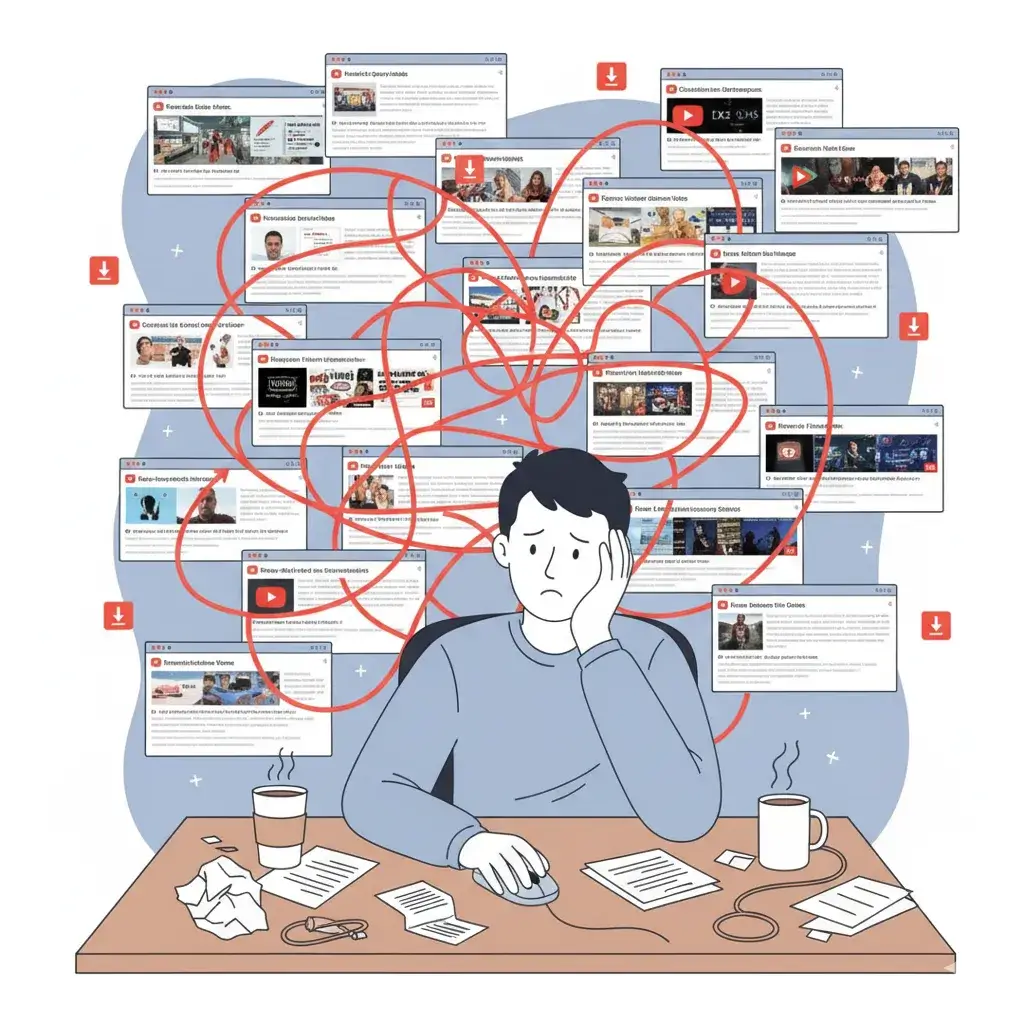
スライダーをドラッグして違いを確認してください。何時間もの面倒な手作業を、整理された1つのファイルに変換します。

単なるダウンローダーではありません。データ準備のパワーハウスです。面倒な作業なしに、モデル学習に適したクリーンなテキストを取得できます。
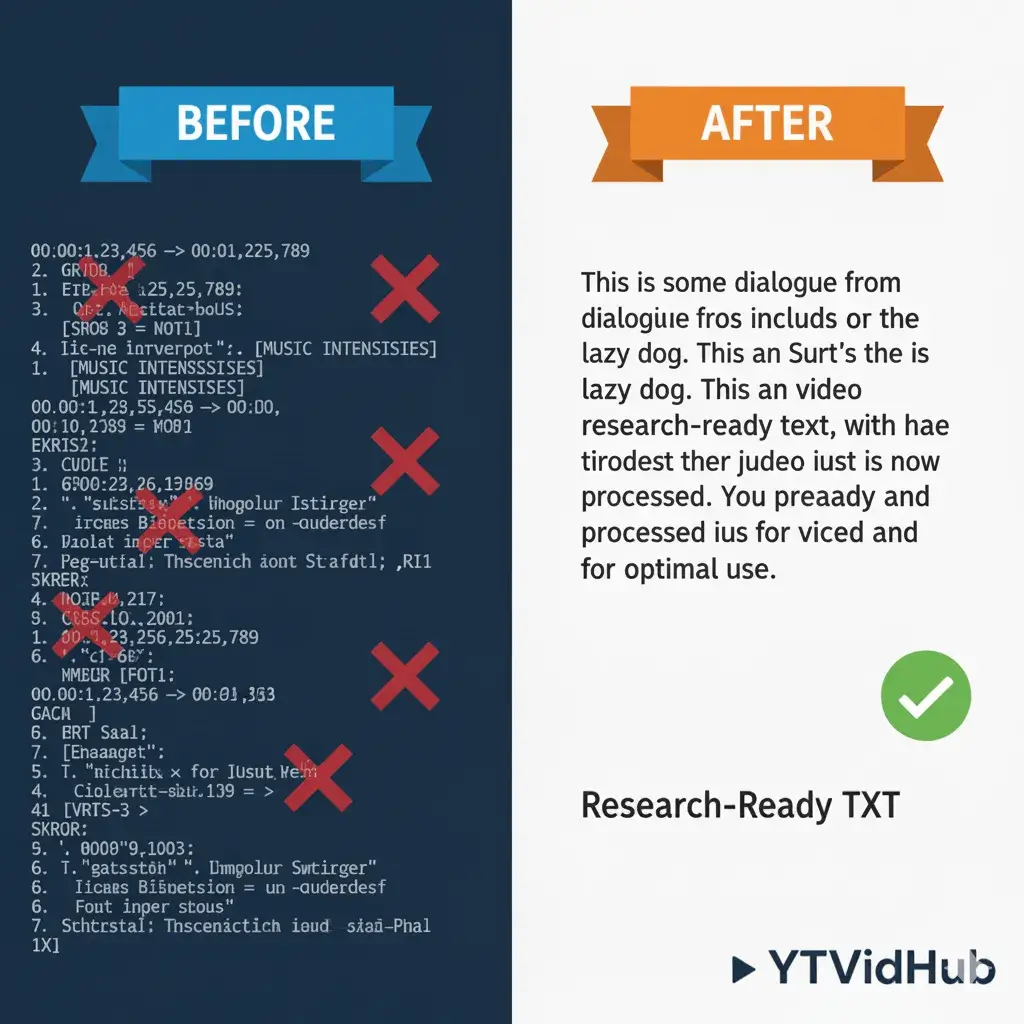
タイムスタンプや書式ノイズを除去したデータを受け取り、モデルへの入力に即座に対応できます。
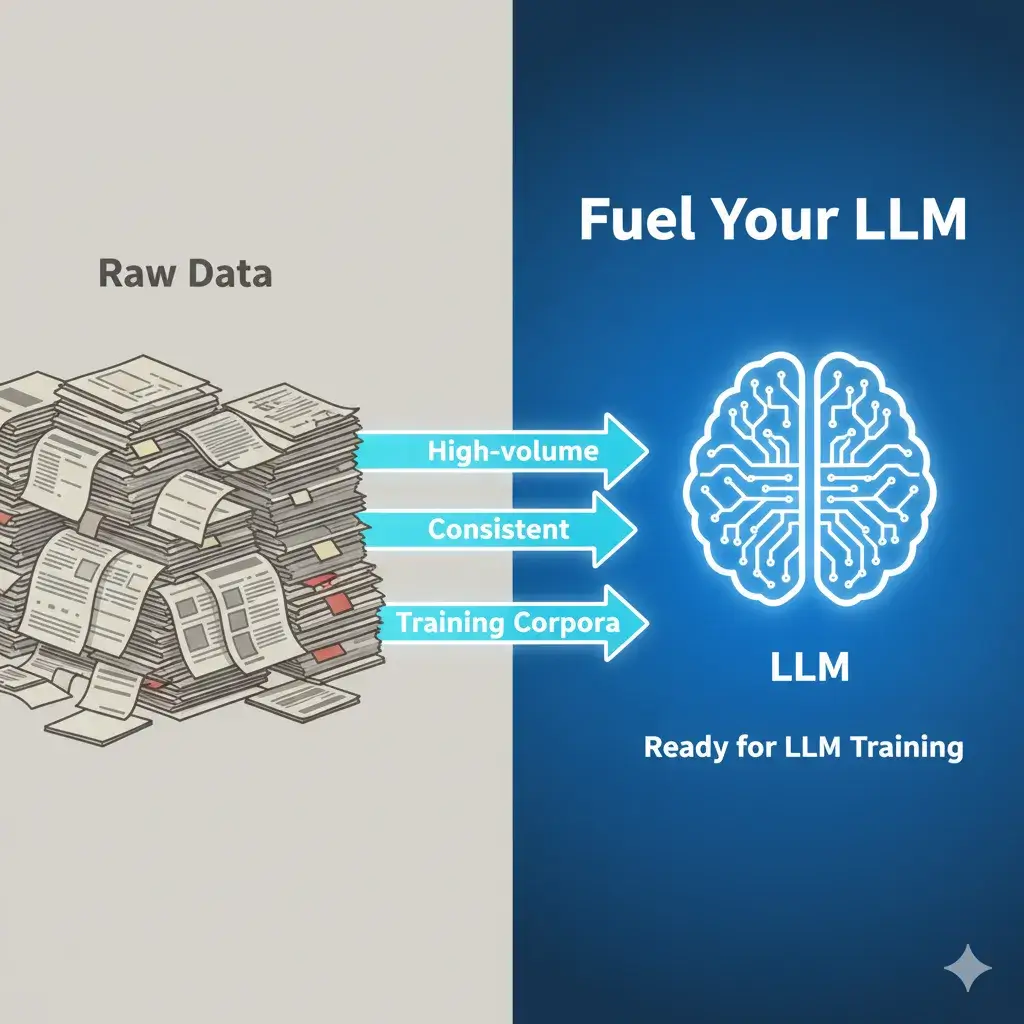
大量で一貫した学習コーパスが必要な研究者向けに特別に設計されています。
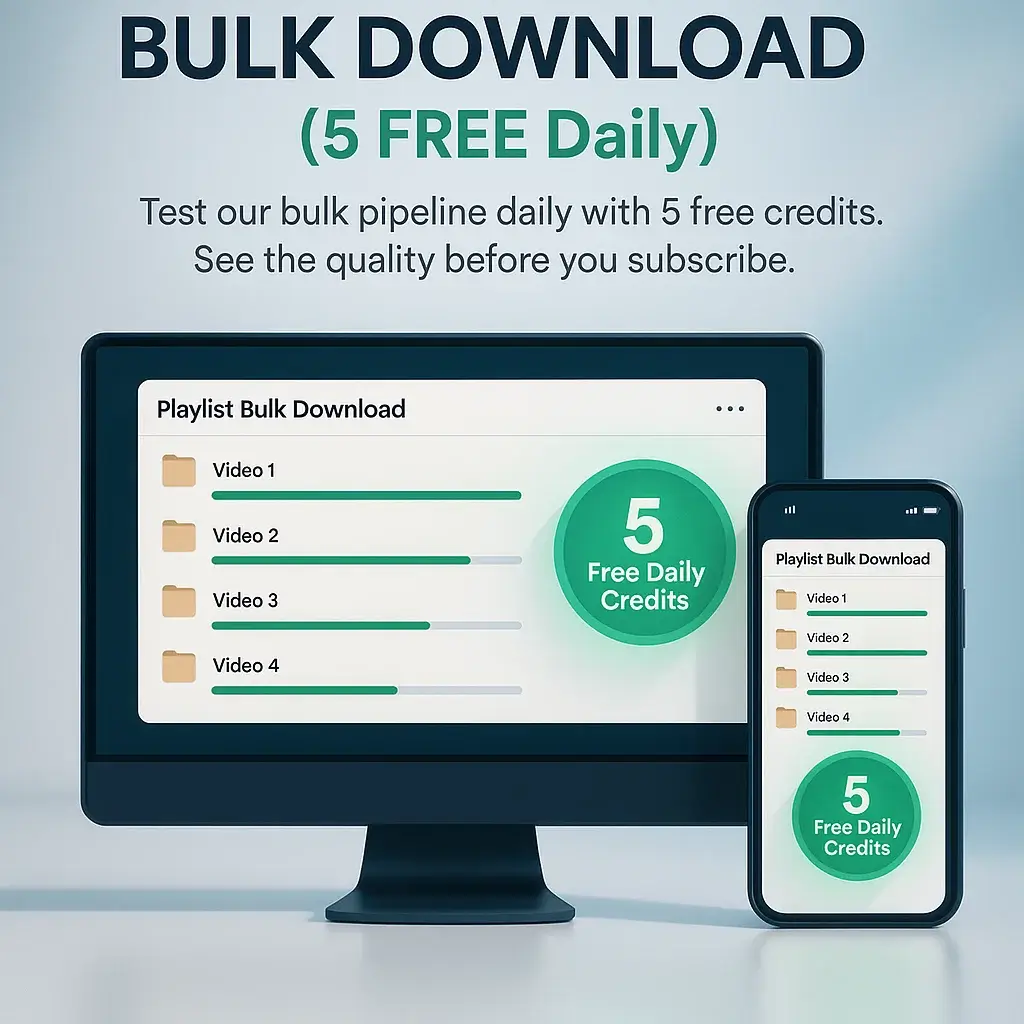
毎日5つの無料クレジットで一括パイプラインをテストできます。購読前に品質を確認してください。
文字起こしクリーニングの背後にあるデータサイエンスを深く掘り下げたいですか?
データ準備ガイドを読む生のリンクから数秒でクリーンなデータへ。複雑な設定は不要です。
YouTube動画/プレイリストURLを貼り付けるか、一括処理用の.txtファイルをアップロードしてください。
私たちのエンジンが字幕を抽出し、要約やマインドマップを即座に生成します。
SRT/VTT/TXTとしてダウンロードするか、AI要約を直接ノートにコピーしてください。
AI研究者からコンテンツクリエイターまで、何千人もの人々が字幕抽出のニーズにYTVidHubを選ぶ理由をご覧ください。
“学習データセットの作成に最適です。言語モデル研究のために10,000以上のYouTube字幕をダウンロードしました。一括処理により数週間の作業を節約できました。”
“Premiere Pro編集に使用した最高の**YouTube字幕ダウンローダー**です。SRTファイルがタイムラインと完璧に連携します。毎回クリーンな書式と正確なタイムスタンプを提供します。”
“コンテンツをアクセシブルにするために不可欠な**キャプションダウンローダー**です。VTT形式がWebプレーヤーとシームレスに連携します。信頼性が高く高速な処理です。”
“手動文字起こし作業の時間を節約します。AI要約機能は動画説明やブログ投稿の作成に非常に便利です。”
単一動画から完全なコンテンツライブラリまで、あらゆるタスクに対応するよう設計された機能スイートをご覧ください。
YouTube プレイリスト全体でも、数百のリンクを含むテキストファイルでも、貼り付けるだけです。私たちのツールが知的に解析、処理、準備を行い、何時間もの手作業を数秒の待機時間に変換します。
動画編集用のタイム付きキャプションが必要ですか?SRTを選択してください。アクセシブルなWebプレーヤーを構築していますか?VTTが準備されています。分析用の文字起こしだけが必要ですか?プレーンTXTとしてエクスポートしてください。選択はあなた次第です、すべてのファイルに対して。