 YTVidHub
Bulk YouTube
Subtitle Downloader
The most powerful bulk YouTube subtitle downloader for extracting SRT, VTT, and TXT captions from entire playlists, channels, and multiple videos.
Unified .ZIP
SRT • VTT • TXT
Professional Bulk YouTube Subtitle Extraction
YTVidHub is the industry-leading bulk YouTube subtitle downloader trusted by AI researchers, content creators, and accessibility professionals worldwide.
Playlist Subtitle Download
Extract subtitles from entire YouTube playlists with thousands of videos in one operation.
Lightning Fast Processing
Our advanced batch YouTube subtitle extractor processes hundreds of videos simultaneously.
Multiple Format Support
Download in SRT, VTT, or clean TXT format - perfect for any use case or platform.
For AI & Machine Learning
- Clean TXT format perfect for training datasets
- Bulk extraction for large-scale AI projects
- Automated processing saves weeks of manual work
- Compatible with popular ML frameworks
For Content Creators
- Extract transcripts for blog content creation
- Download channel archives for backup
- Create accessible content with proper captions
- Repurpose video content across platforms
Advanced Extraction Technology
See how our professional bulk YouTube subtitle downloader transforms your subtitle extraction workflow.
Manual Method
- •Open dozens of browser tabs and wait.
- •Click "download srt" for every single video manually.
- •Deal with cryptically named files like "captions.srt".
- •Waste hours renaming and organizing files.
- •Limited - no bulk processing.
Professional Bulk Pipeline
- ✓Paste entire playlist or channel URL for bulk processing.
- ✓Download YouTube playlist subtitles with one click.
- ✓Clean SRT/VTT/TXT files named by video title.
- ✓Process thousands of videos simultaneously.
Complete Enterprise Solution
From single videos to massive playlists - our bulk YouTube subtitle downloader handles any scale.
Playlist Extraction
Extract subtitles from entire YouTube playlists with our playlist downloader.
Channel Archives
Download all subtitles from YouTube channels using our bulk transcript extractor.
Flexible Formats
Get subtitles in SRT, VTT, or TXT format with our versatile caption downloader.
AI Research Ready
Clean text extraction perfect for machine learning and AI dataset creation.
Professional Use Cases
Discover why professionals choose our bulk YouTube subtitle downloader for AI training, research, and content creation.
AI & LLM Training
Extract massive subtitle datasets in Clean TXT format. Our bulk YouTube transcript downloader is the preferred choice for developers fine-tuning GPT models.
Content Repurposing
Turn entire video libraries into SEO-optimized blog posts. Quickly extract transcripts for show notes using our YouTube playlist subtitle extractor.
Digital Archiving
Backup your channel's metadata and captions. Download precise SRT/VTT files for translation audits with our bulk subtitle extraction tool.
Simple Batch Process
How to download youtube playlist with subtitles in three easy stages.
Ingestion: Entire Playlists
Paste your Playlist or Channel URL. Our recursive engine automatically harvests all individual video links for batch subtitle extraction.
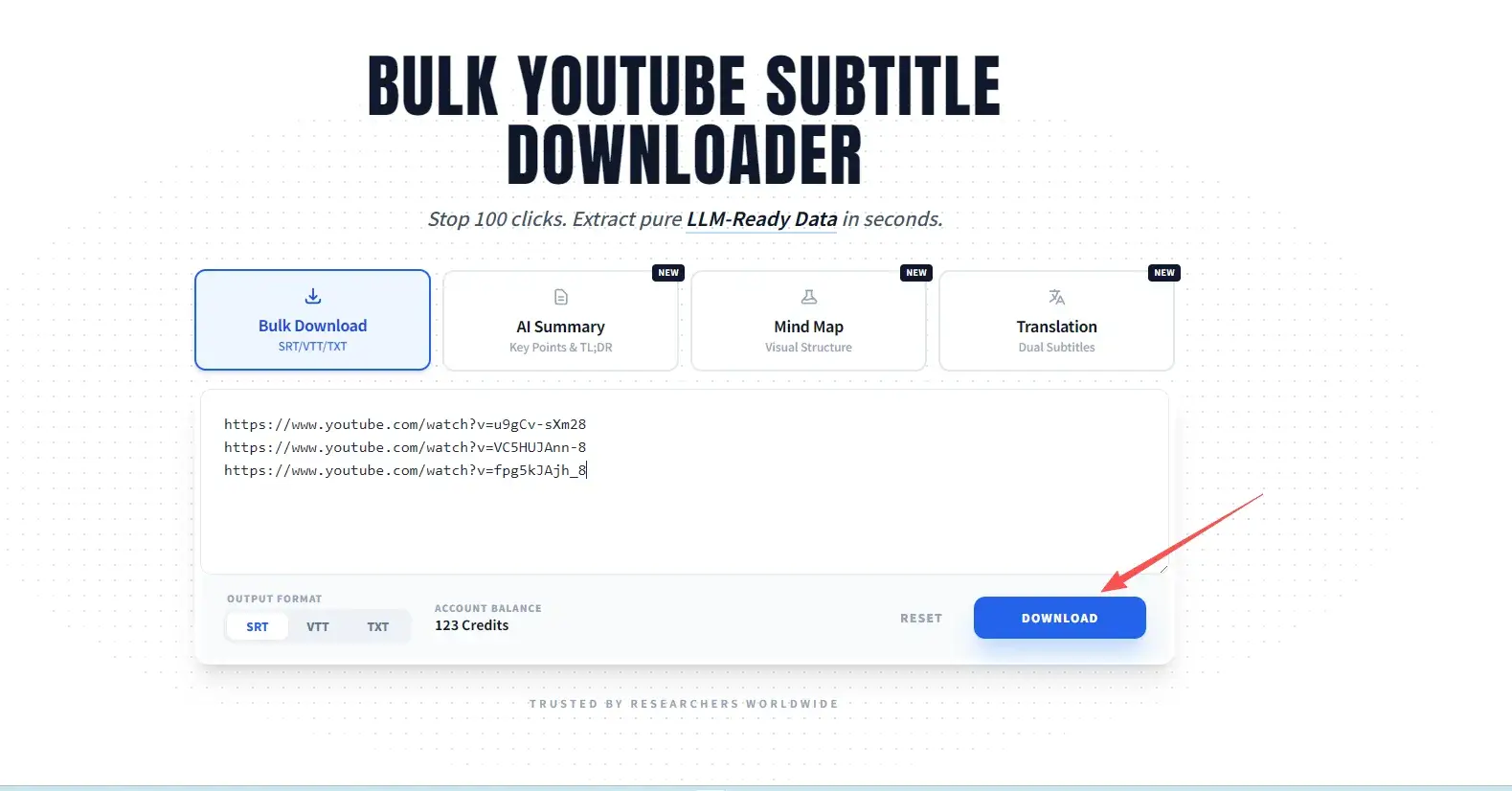
Format Selection: SRT/VTT/TXT
Choose the standard that fits your needs. We offer SRT for players, VTT for web, and 'Clean TXT' for AI-ready text corpora.
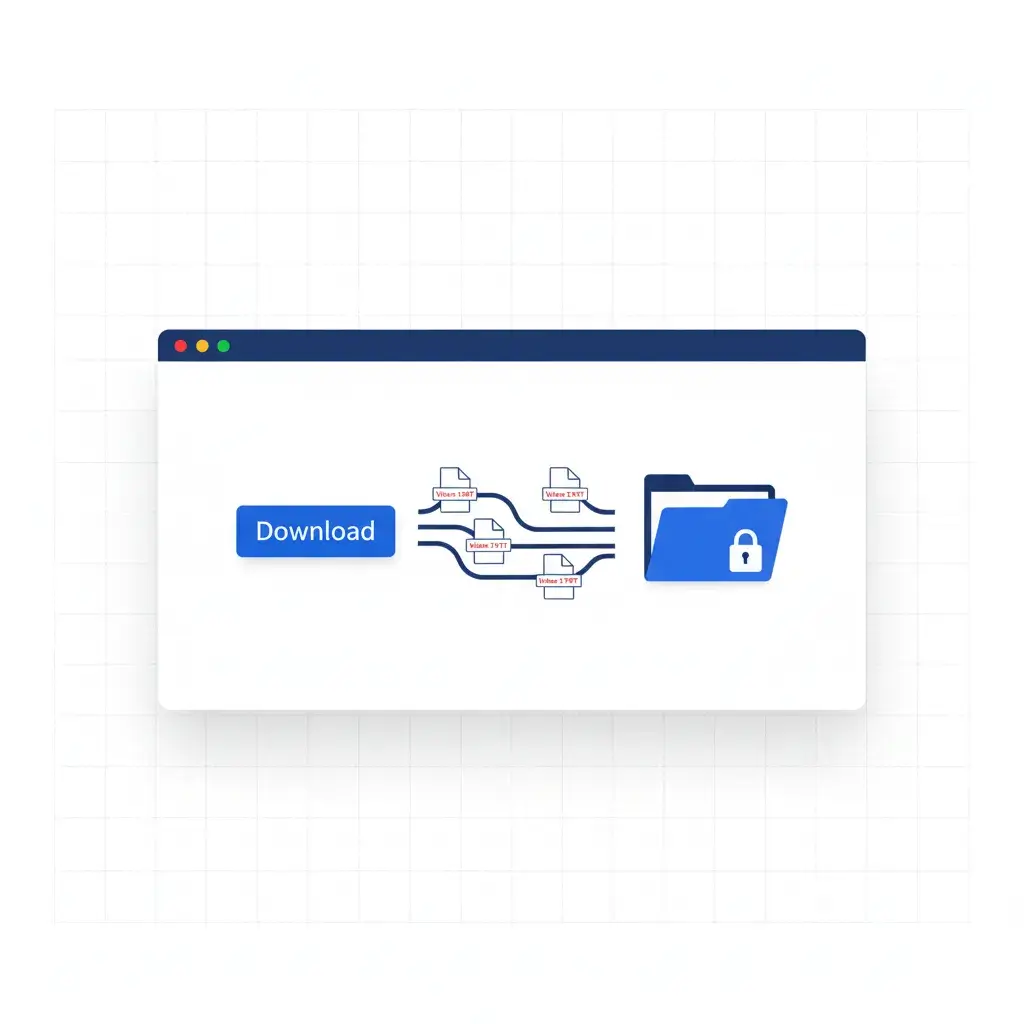
Final Delivery: Organized ZIP
Our cloud-based engine processes the batch. Download a single ZIP file where every transcript is perfectly named by the original video title.
Any Link.
Unlimited Scale.
The most flexible YouTube subtitle downloader that handles complex playlist structures and massive channel archives.
Supported Formats
SRT, VTT, or Clean TXT
Precision or clean text? We support all major industry standards.
Clean TXT Transcript
Automatically removes all timestamps and sequence numbers. Get a clean, readable transcript perfect for SEO blogs and LLM training.
Welcome to our deep dive into the future of media... (Pure Text)
Timed SRT / VTT
Standard timecoded files (Start --> End). Perfect for re-uploading, video editing, or offline viewing with VLC.
1
00:00:01,000 --> 00:00:04,000
Welcome to our deep dive...
FAQ
Everything you need to know about our batch engine.
How do I download an entire YouTube playlist with subtitles?
Can I extract subtitles from multiple YouTube videos at once?
What file formats do you support for captions?
Does this tool support auto-generated YouTube subtitles?
Is there a limit to how many subtitles I can download?
Ecosystem Tools
Explore our complete suite of YouTube subtitle and transcript extraction tools.
Single Video Downloader
Need to download subtitles from just one video? Try our single YouTube subtitle downloader for quick extraction.
Explore ToolData Preparation Guide
Learn how to prepare YouTube transcripts for AI training. Our comprehensive data prep guide covers best practices.
Explore ToolSRT vs VTT Guide
Understand the differences between subtitle formats. Our SRT vs VTT comparison guide helps you choose.
Explore ToolScale Your
Subtitle Extraction
Don't let manual extraction slow you down. YTVidHub is the professional's choice for bulk YouTube subtitle downloads.
Get Started with Pro